

TV backlights
Govee TV backlight installation in Henderson and Las Vegas
Govee TV backlights and DreamView setups behind your TV.
Licensed & insured
Image: Govee
Image: Govee
Every light in sync
As a Govee affiliate, we may earn from qualifying links.
Make the TV light up the room
Lights that follow what’s on screen, put in while we mount your TV.
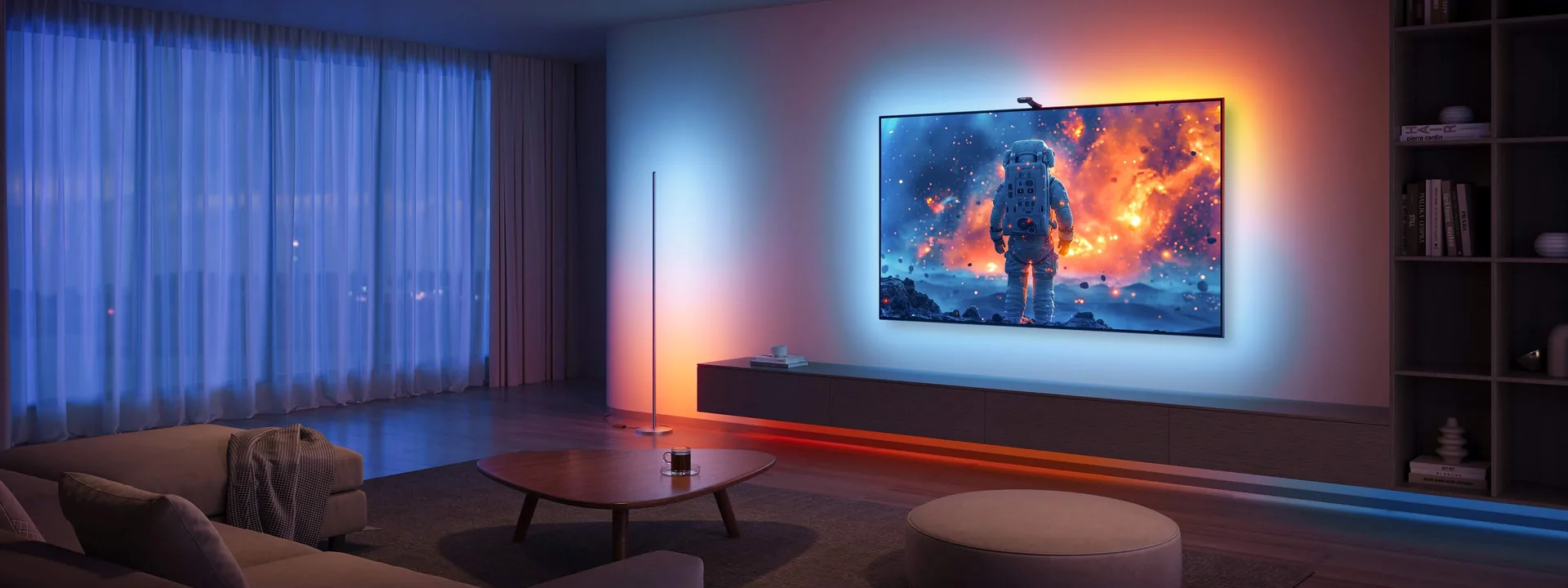
Light the whole room
Your TV leads, and up to five lights around the room follow the screen.
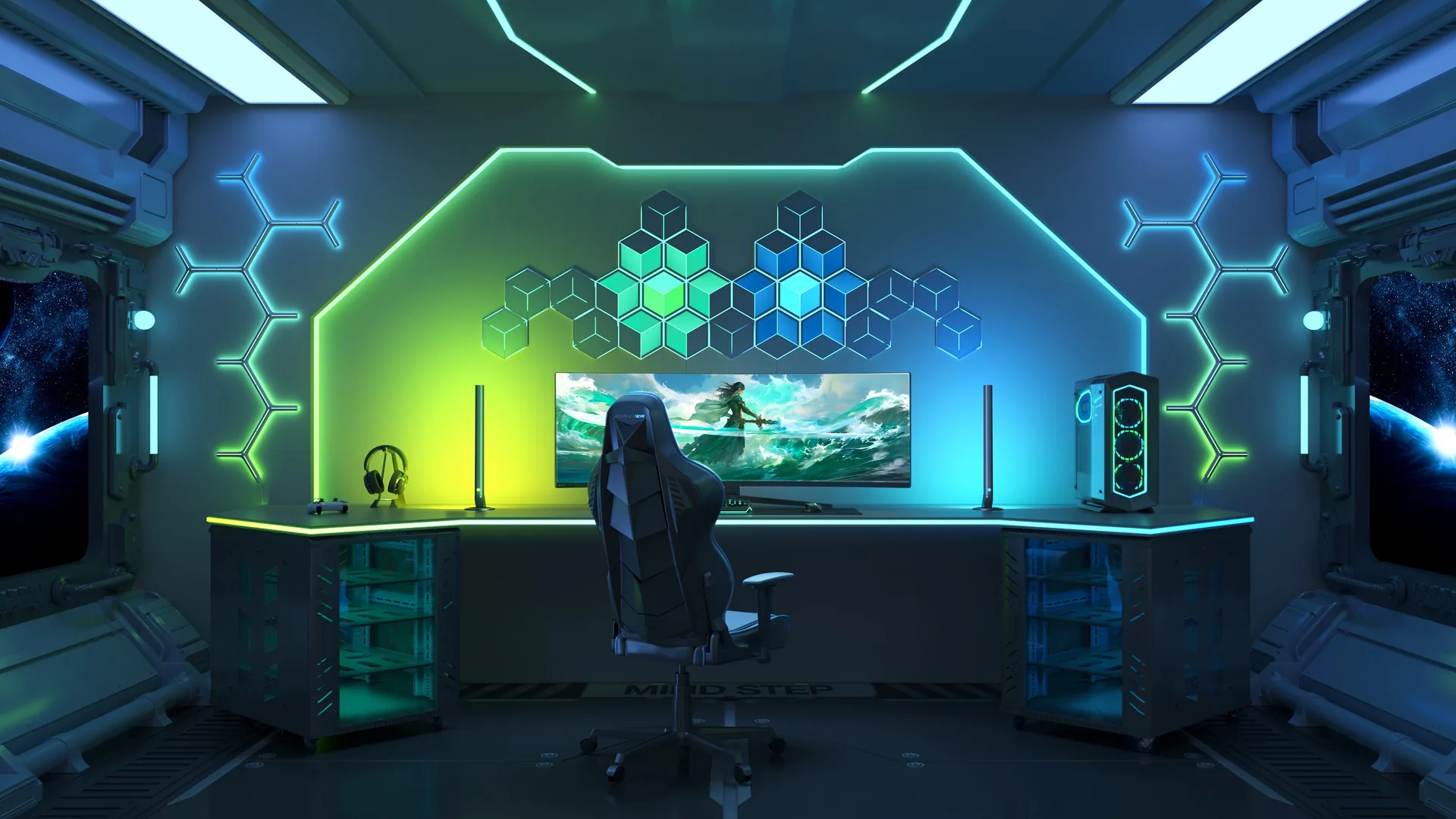
Light the whole game room, not just the wall
Add a few pieces and the game room feels finished.
DreamView syncs your backlight with up to five more Govee lights.
How we do it
Careful work you can see
What we install
Govee TV backlights and DreamView setups behind your TV.
Why not DIY
The strip is sized to the TV, the camera is placed so the colors match the screen, the sync is calibrated and every wire is hidden.
Pairs with mounting
Add it to a TV mount or wire-concealment job.
What’s included
- Strip sized to the TV
- Camera placed so the colors match the screen
- Sync calibrated
- Every wire hidden
The process
Four steps, no surprises
- 01
Start a project
Tell us what you want installed. We confirm a time.
- 02
Confirm the plan
We confirm the date, the wall and anything unusual.
- 03
Install
Floor protected, anchored properly, leveled while you watch.
- 04
Press play
Everything tested, the room cleaned, questions answered.
Pick your vibe
One tap in the Govee app changes the whole room.
Lights follow the colors on screen, so the picture feels bigger.
Keep exploring
Explore more
Services that pair well with this one, and the Henderson neighborhoods we serve.
-
 Service
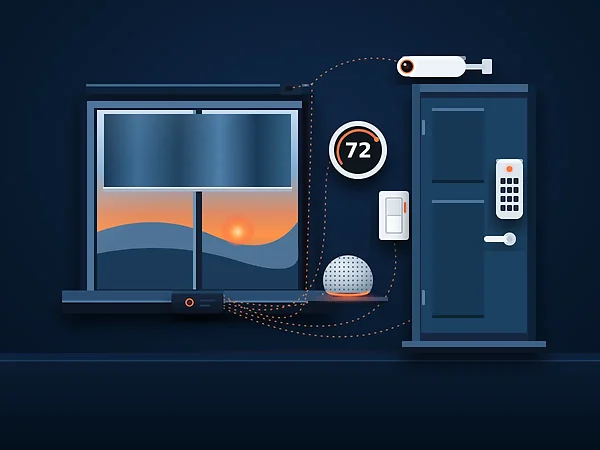
New Smart homeVoice control, thermostats, locks, cameras and lighting
-
 Service
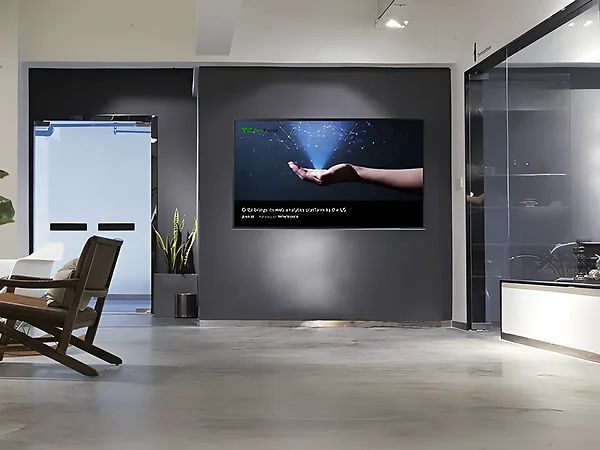
Commercial TV InstallationLobbies, offices and menu screens
-
 Service
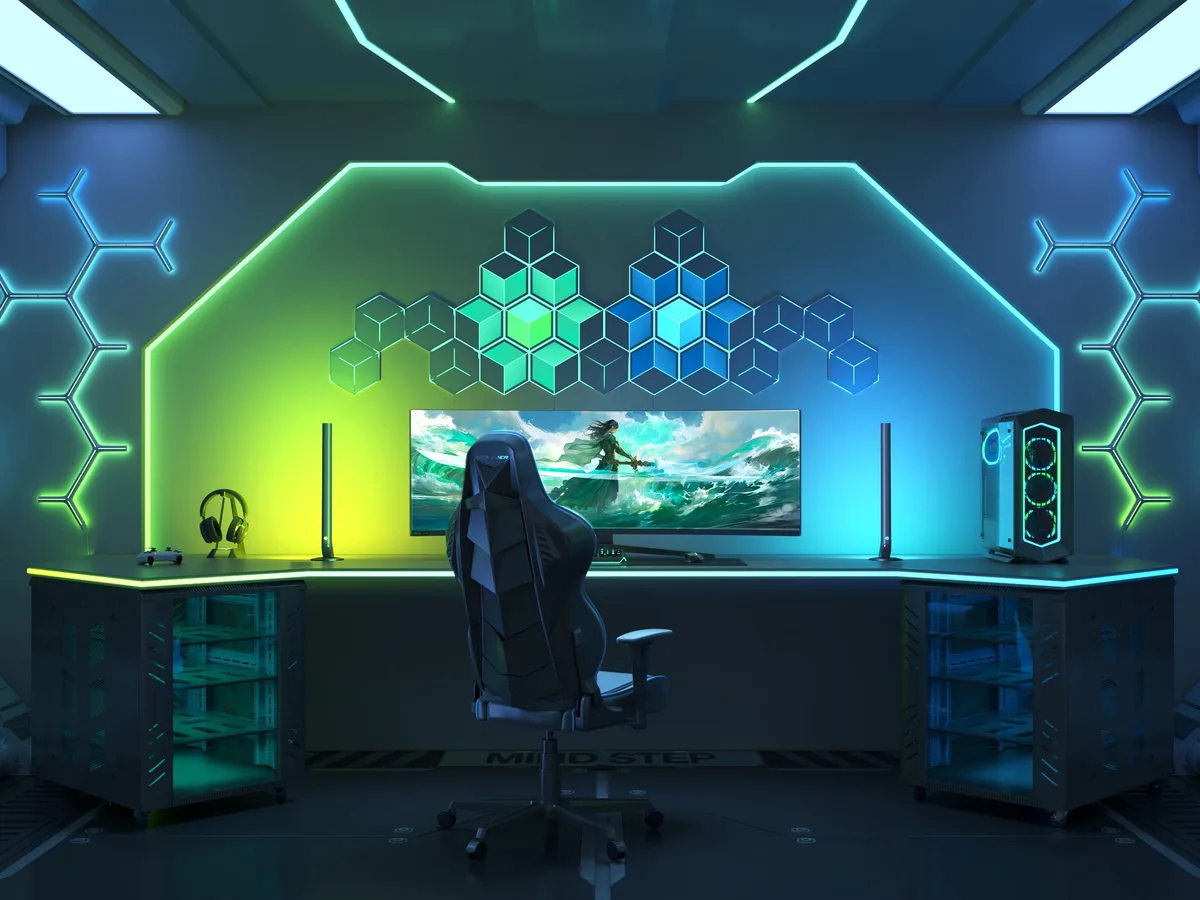
New Gaming & Desk LightingLight bars, monitor backlights and wall lights
-
 Service
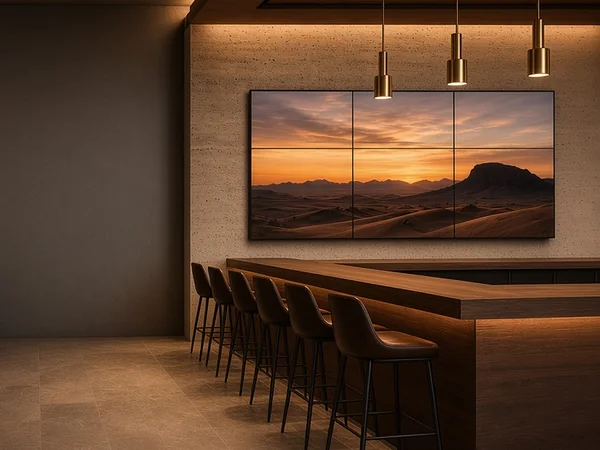
New Video Wall InstallationMulti-screen walls for businesses
-
 Service
Soundbar & speakersSoundbar bracket mounting, centered to the TV
-
 Neighborhood
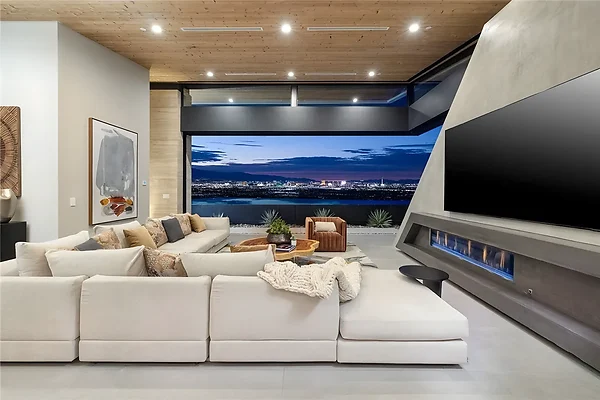
MacDonald HighlandsHenderson, NV
-
 Service
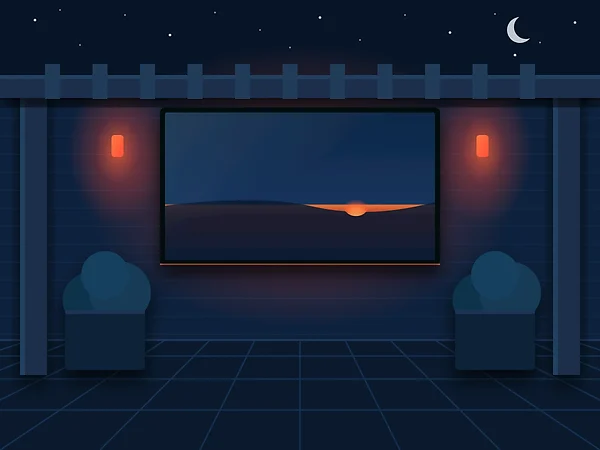
Outdoor TV mountingPatio wall confirmed from a photo before we book
-
 Neighborhood
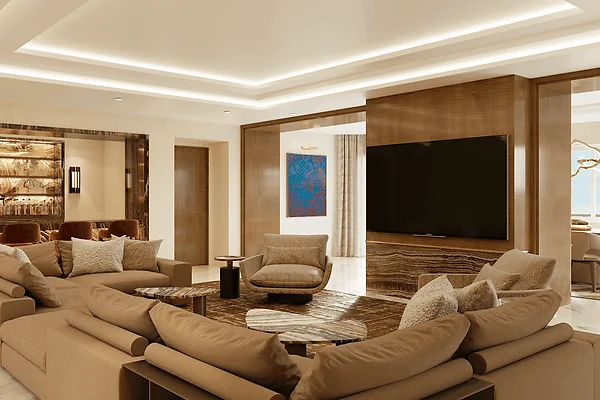
Green ValleyHenderson, NV
-
 Service area
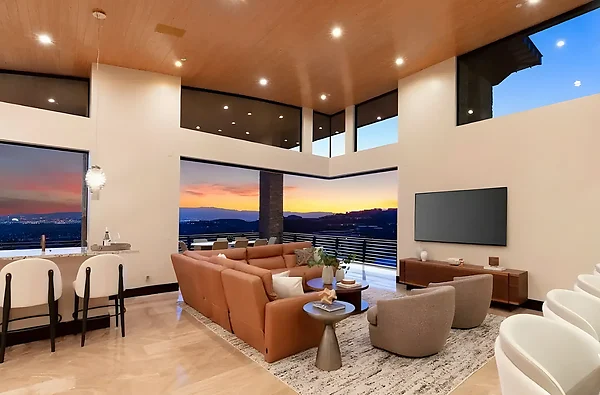
HendersonAll of Henderson
-
 Neighborhood
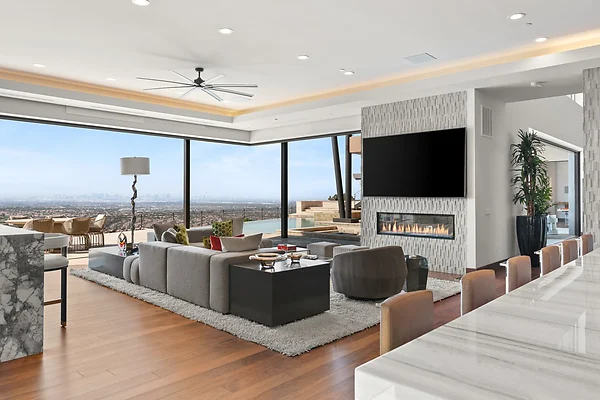
Seven HillsHenderson, NV
-
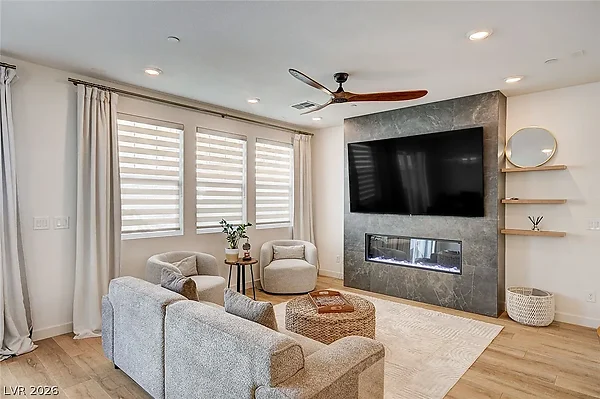 Neighborhood
InspiradaHenderson, NV
-
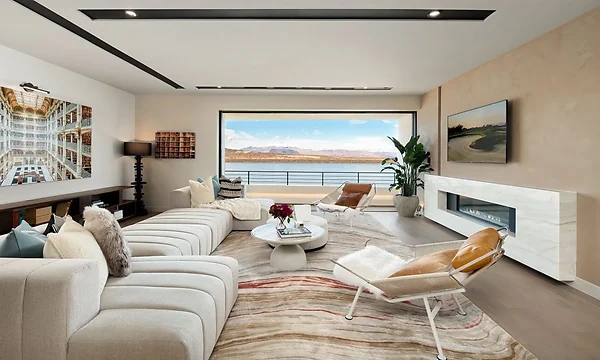 Neighborhood
Lake Las VegasHenderson, NV
-
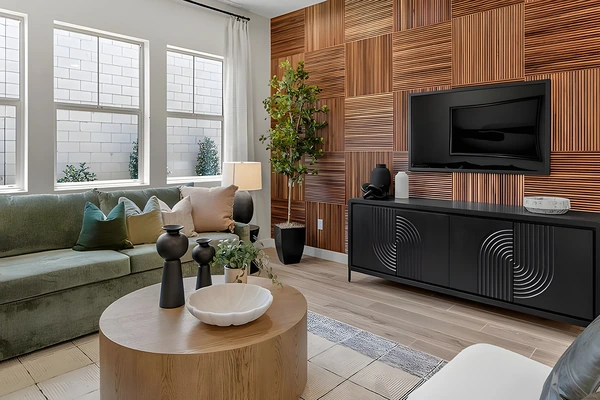 Neighborhood
CadenceHenderson, NV
-
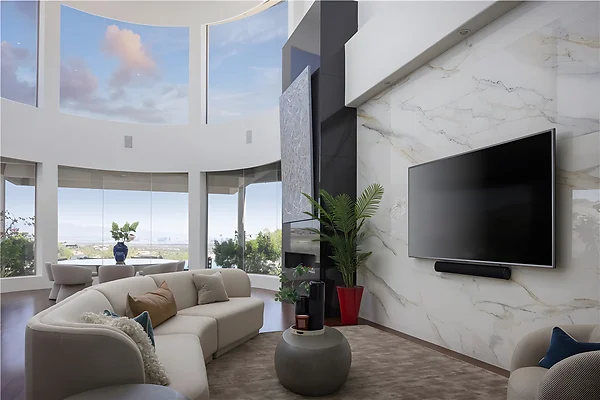 Neighborhood
MacDonald RanchHenderson, NV
-
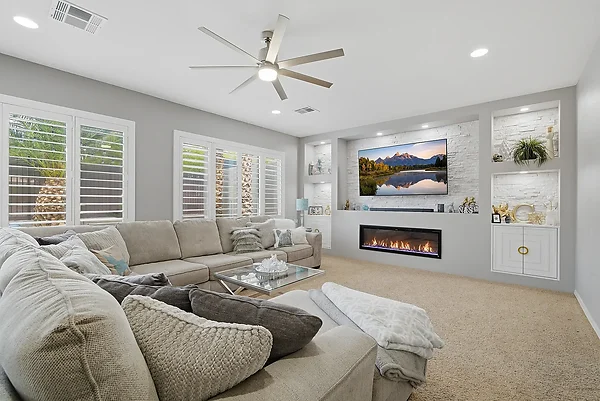 Neighborhood
AnthemHenderson, NV
-
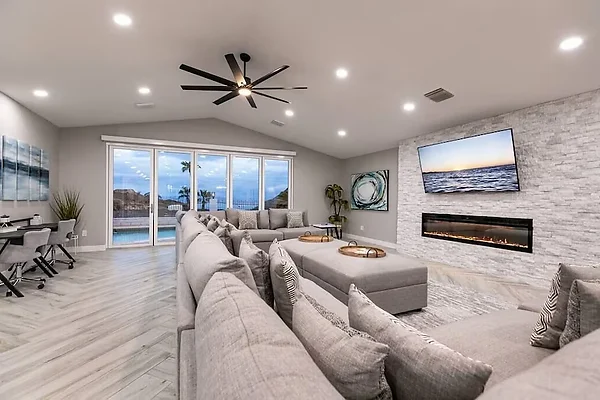 Service area
Boulder CityAbout 20 minutes from Henderson
-
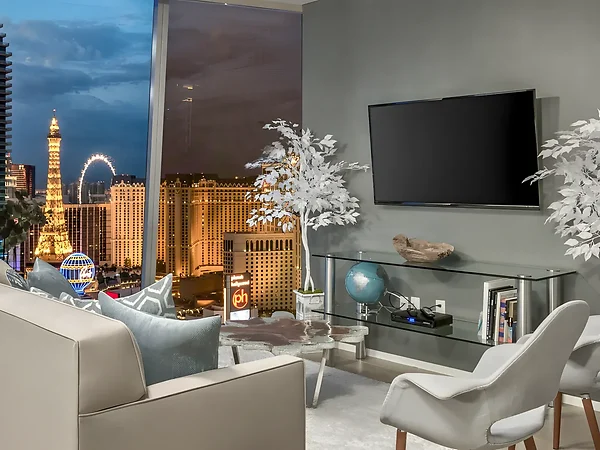 Service area
Las VegasJust down the road from Henderson
- ★★★★★
Kyle is timely, friendly, tidy and meticulous when hanging your tv or sound bars! He does a great job and can help you with any kind of hanging items is my guess. Love that he checks the level of his work also. Great job thank you!
Kristen N.Yelp Elite - ★★★★★
This is the best mounting services in Henderson/Vegas area Kyle did an amazing job on my TV installation. He is very professional and quick! I will definitely be using this service again in the future. I would definitely recommend 10/10. Thanks Kyle! He did an amazing job!
Melissa N.Google - ★★★★★
Had an older TV that was a little thicker that we decided to mount in a spare bedroom. Called around different places and settled on We Mount Your TV. The owner Kyle was very friendly on the phone and in person. Got everything done lickety-split and since I sat in the room while he did the work, he kind of told me what he was doing the whole way through, which was kind of nice. if you need somebody to mount a TV you can't go wrong with Kyle and he's been doing this for a number of years so he has a lot of good experience.
Mike L.Yelp Elite
1 / 3
FAQ
TV backlights questions
Do I need to buy the Govee lights first?
No need to hunt one down, since you can get the Govee kit straight from us and we'll install it. Tell us your TV size in your project notes, and we'll confirm it's the right size for your TV before your install.
What are the control options for a Govee TV backlight?
Change the color, brightness and effects in the Govee Home app, or just ask Alexa or Google, and other Govee lights in the room can follow along. We set it all up in the app before we leave.
Where does the sync camera go?
Centered on the top or bottom edge of the TV, where it sees the whole screen. We set it, calibrate the colors in the Govee Home app, and check it against a few scenes before we leave.
Can you add a backlight to a TV that’s already mounted?
Yes. If there isn’t room to work behind it, we take the TV down, fit the strip and remount it level.
Can the other lights in the room sync too?
Yes. Light bars, floor lamps, ceiling lights, wall panels and strips that work with DreamView can follow the screen. We place each one, hide its cord where the room allows, and link them in the app.
Ready to light the room up?
Send a photo of your wall and TV size, and we'll text you back with your options.